
Signal
Signal is a free, privacy-focused encrypted messaging app from the Signal Foundation. Signal Desktop 8.28.0 brings your chats to a Windows PC.
Windows
Open source

2250.1.0.0 · Meta · Page updated
Meta's Messenger desktop app for Windows was discontinued on 15 December 2025; chats continue in the Facebook app and on Messenger for phones.
Average 0.0 · ratings: 0
Thank you! Your rating is saved; you can change it. Could not save the rating. Please try again later. Too many ratings from your network today. Please try again tomorrow. The average appears after 5 ratings.
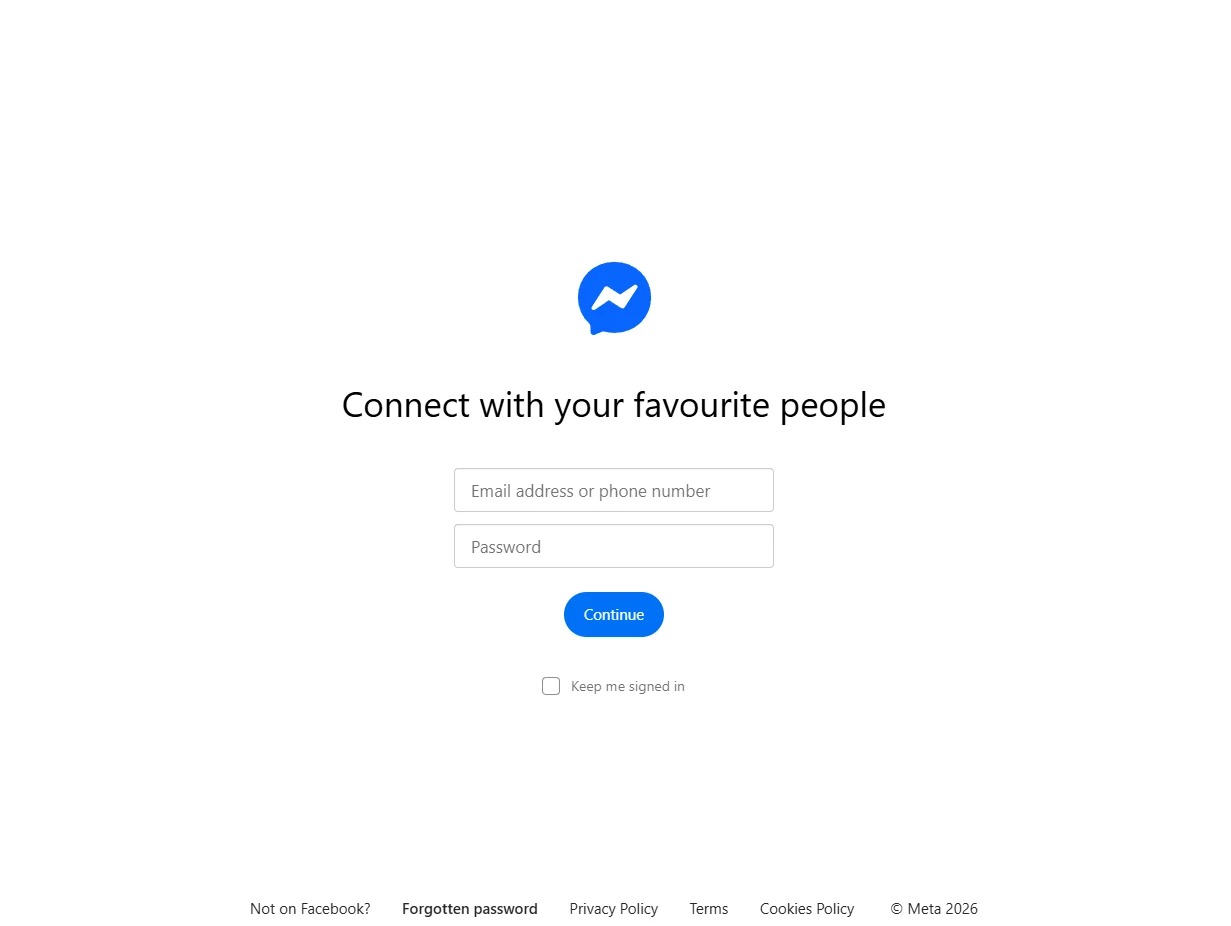
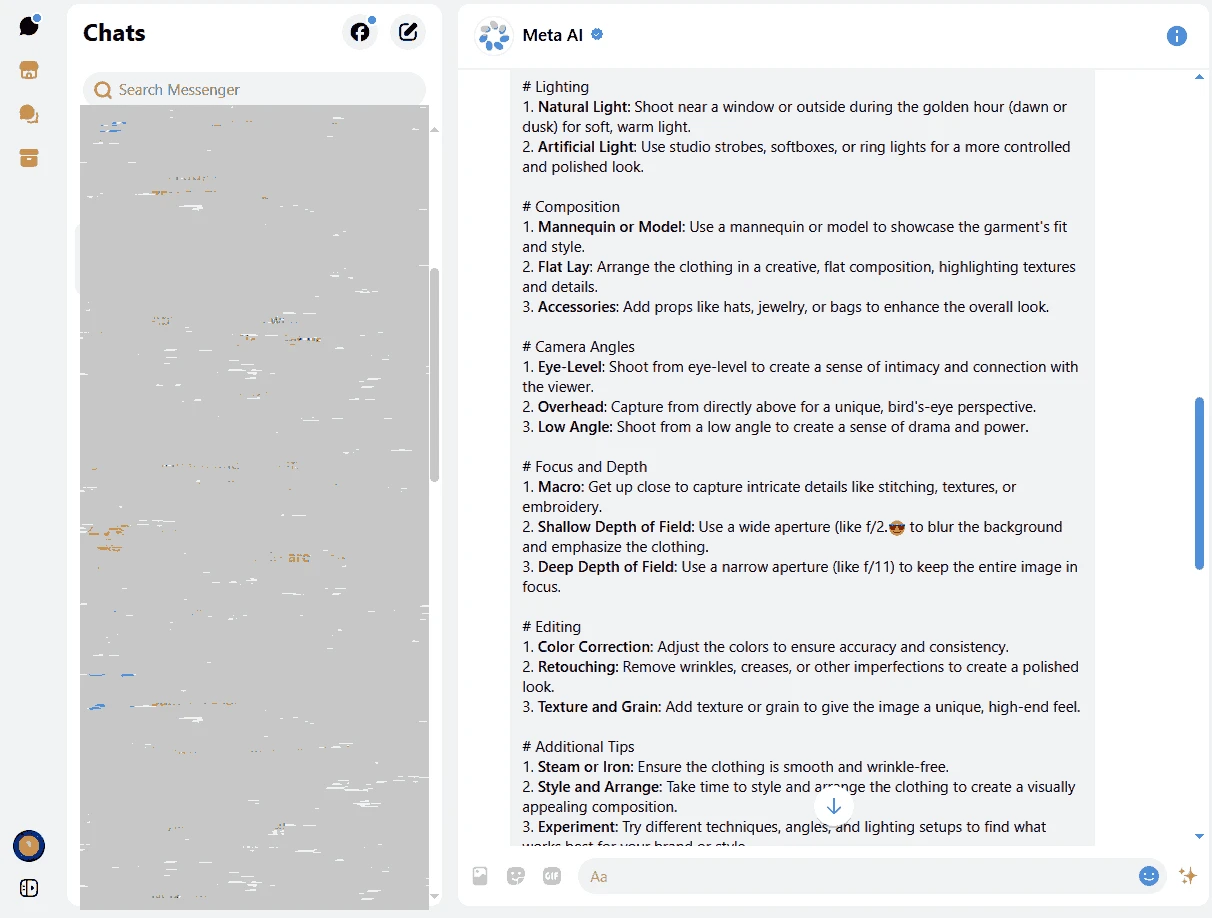
Messenger for Windows was the desktop app of Meta's Messenger service, and it was discontinued on 15 December 2025. The last version listed on this page is 2250.1.0.0, but there is no longer a working download: after the shutdown, the app stopped letting users sign in and Windows users were sent to the Facebook app to continue their conversations.
Messenger itself goes back to 9 August 2011, when Facebook launched it as a separate chat service. The Windows app brought those conversations to a window of its own, so people who spent the day at a computer did not have to keep Facebook open in a browser tab. It showed the chat list on the left and the active conversation on the right, sent files straight from folders, made voice and video calls with a webcam and showed notifications in the corner of the screen. Friends, family groups, Marketplace buyers and small businesses all used it. For many users it was simply the most convenient way to reply to messages while working. Meta decided to stop developing separate desktop clients and to keep messaging on the computer inside Facebook itself, and so the standalone app was retired.
On 15 December 2025. Since then the app cannot be used to sign in, and Meta recommends removing it. Installers that still circulate on download sites lead to a program that no longer connects, and unofficial copies may carry malware, so there is no reason to install them.
Nothing was deleted with the app. Conversations belong to your account, not to the Windows program, so they remain available in the Facebook app for Windows, on facebook.com and in Messenger on your phone. End-to-end encrypted chats need their history restored with the secure storage PIN or backup method you set up; check it in the phone app's settings so that older messages do not appear empty on a new device.
Meta's help centre article on the Messenger app explains the current options for each device.
Some people created Messenger accounts without a Facebook profile. On the phone, the Messenger app continues to work for them. On a computer, follow the instructions Meta shows at sign-in, because they depend on how the account was set up.
Yes, the app was free, like the service. There is no paid version to switch to; the successor on Windows, the Facebook app, is free as well.
The official path is the Facebook app for Windows. If your contacts use other services, messengers on our site include WhatsApp Desktop, Telegram Desktop, Signal, Viber and Discord, and for work calls Microsoft Teams and Zoom Meeting.
Signal is a free, privacy-focused encrypted messaging app from the Signal Foundation. Signal Desktop 8.28.0 brings your chats to a Windows PC.
WhatsApp Desktop is the official WhatsApp app for Windows, letting you chat and call from your PC with the account on your phone.

Microsoft Teams is Microsoft's collaboration and video-conferencing app for chat, meetings, calls and shared files at work, school or home.

Zoom Meeting is the desktop client of Zoom's video-conferencing service for calls, webinars, screen sharing and chat on Windows.
Camo Studio is Reincubate's desktop app that turns an iPhone, iPad or Android phone into a high-quality webcam for a Windows PC or Mac.

Google Meet is Google's video meeting app. On Windows it runs from the browser and can be installed as an app, with no separate installer to download.

Facebook for Windows is the desktop app of Meta's social network, with the news feed, groups, pages and notifications in a separate window.

Telegram Desktop is the official Windows client of the Telegram messenger, with chats, groups, channels and file sharing synced from the cloud.

Telegram Web is the browser version of the Telegram messenger: open it on a Windows PC, log in with your phone and chat without installing anything.