
Google Messages for Android
20260903_04_RC00 · Google LLC · Page updated
Google Messages is Google's messaging app for Android, used for text and multimedia messages, and also available on Wear OS and the web.
Rate Google Messages
Average 0.0 · ratings: 0
Thank you! Your rating is saved; you can change it. Could not save the rating. Please try again later. Too many ratings from your network today. Please try again tomorrow. The average appears after 5 ratings.
Screenshots
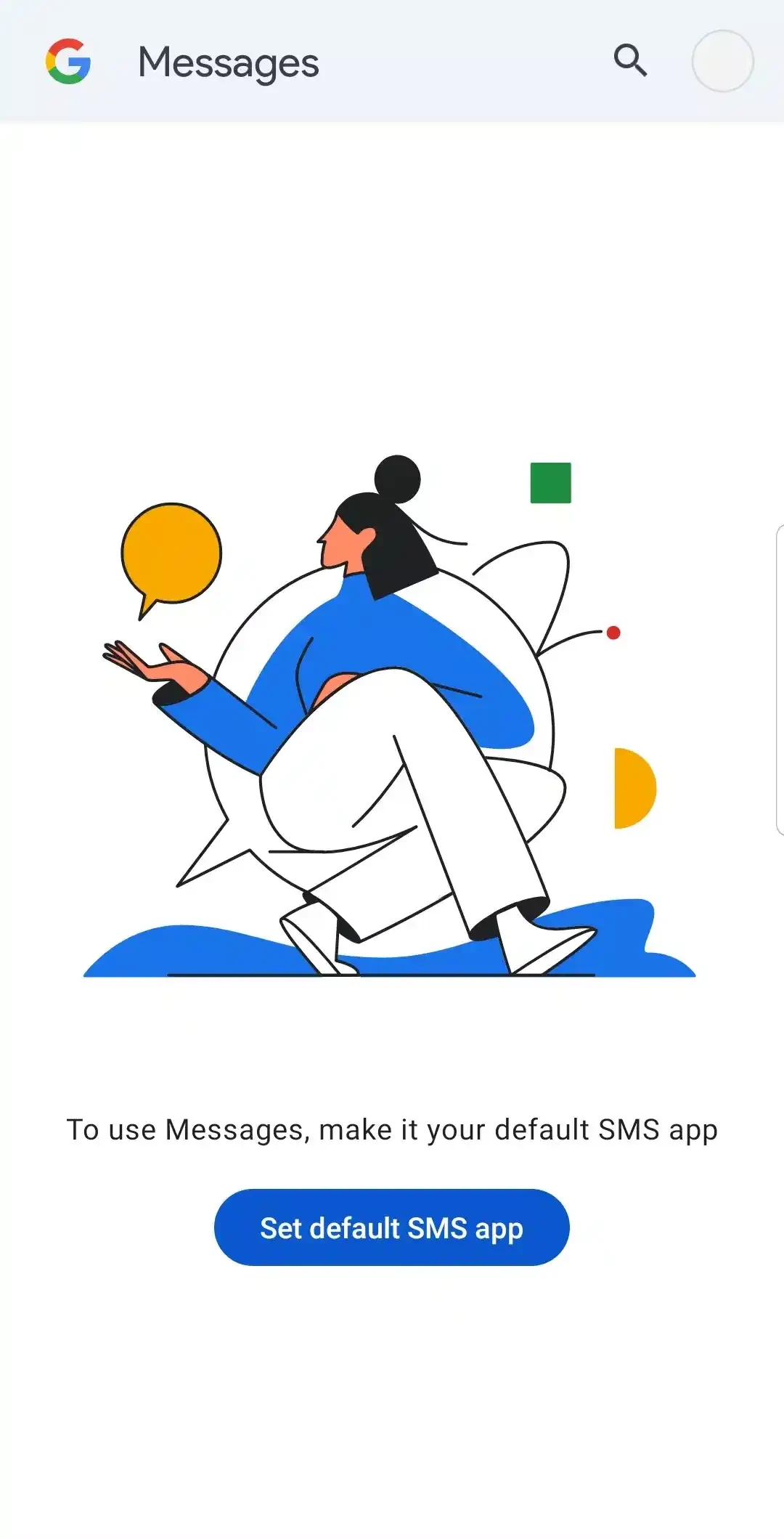
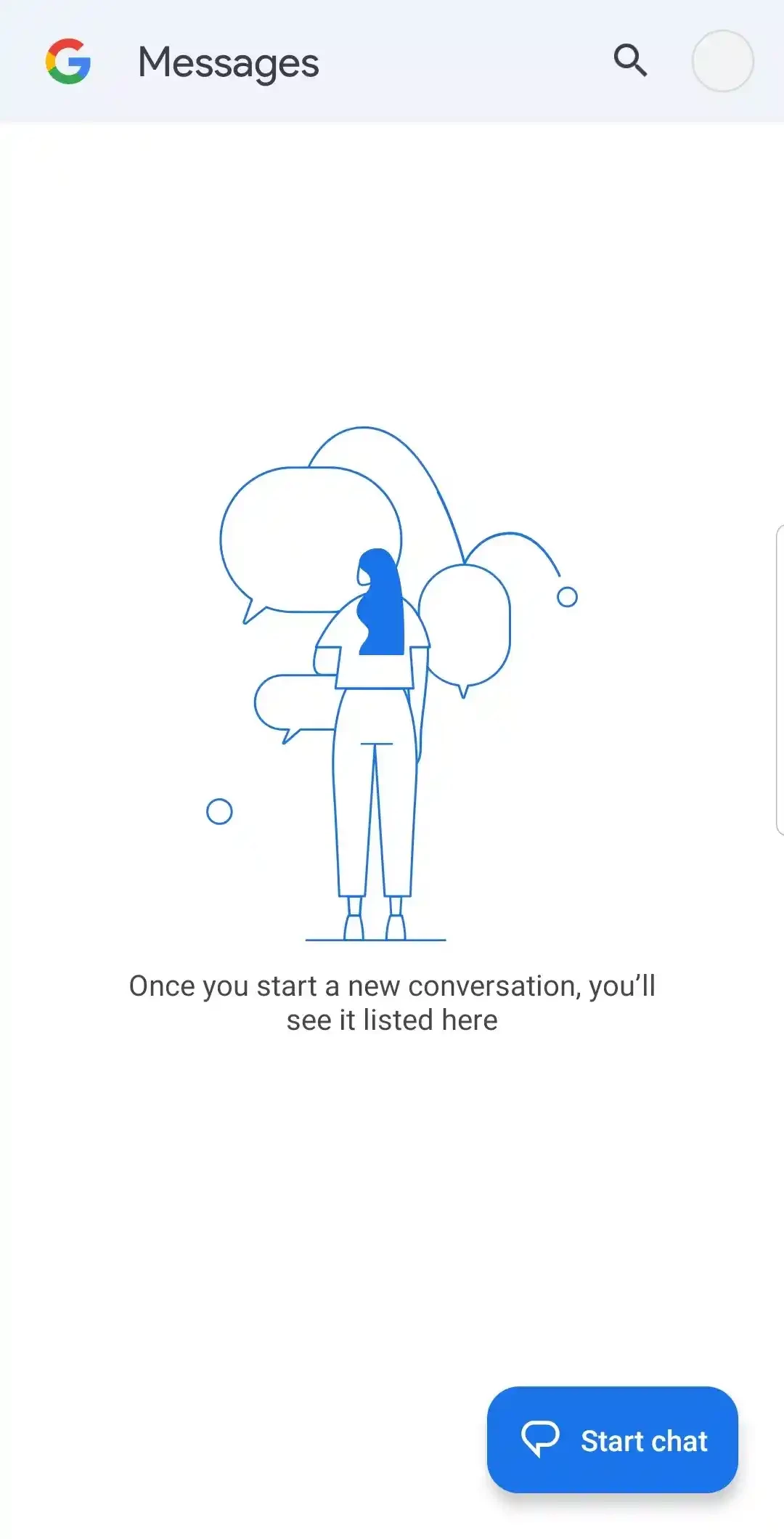
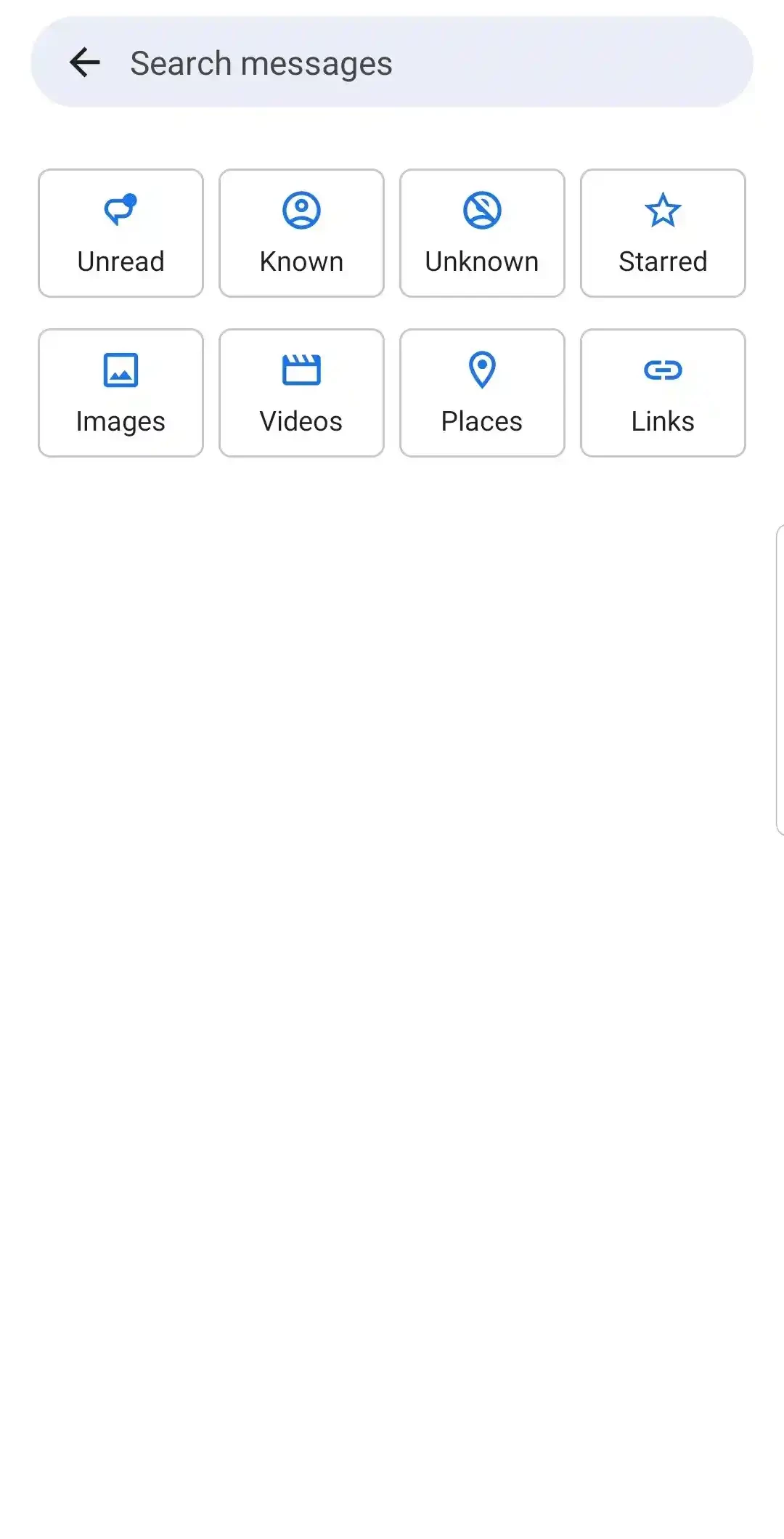
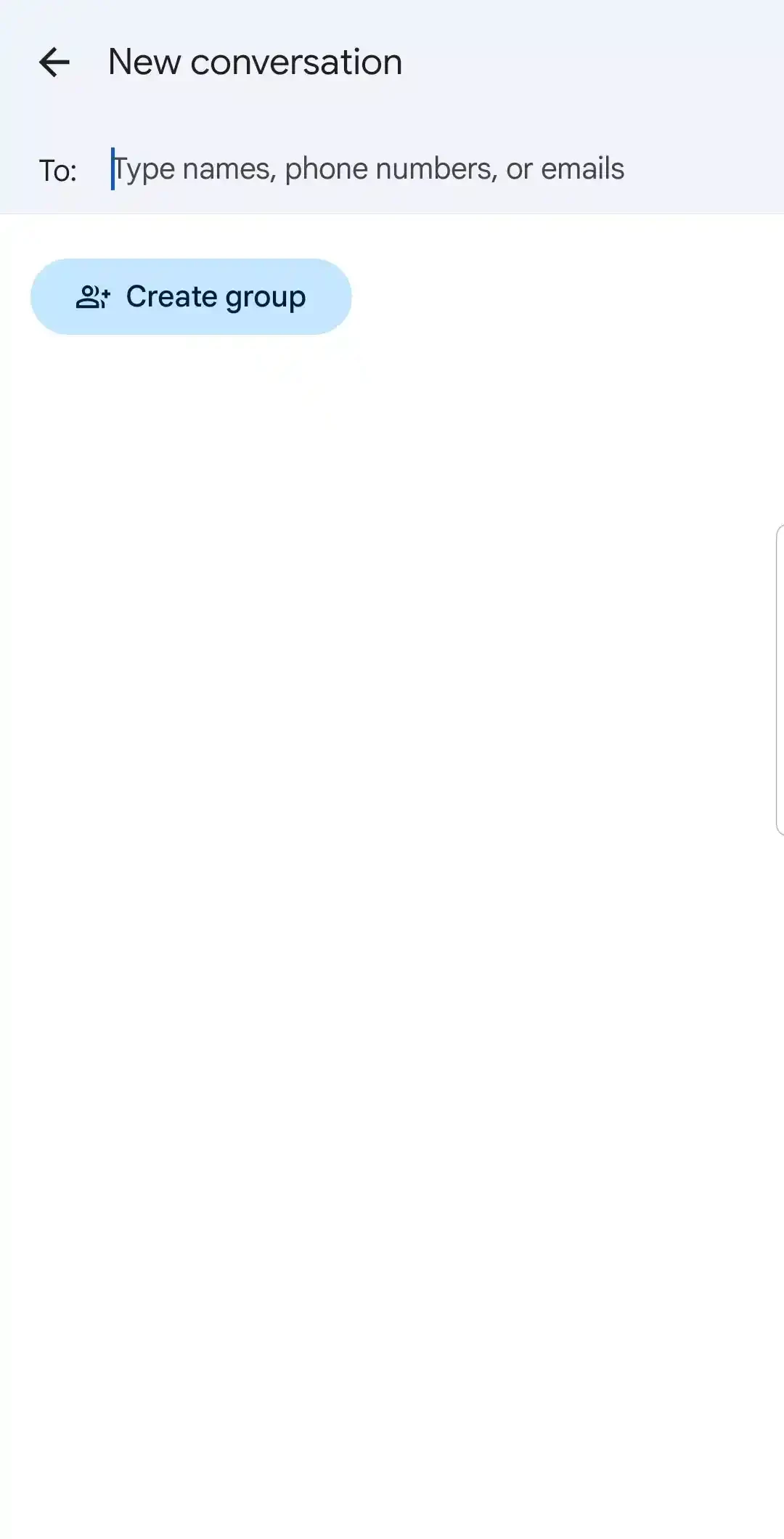
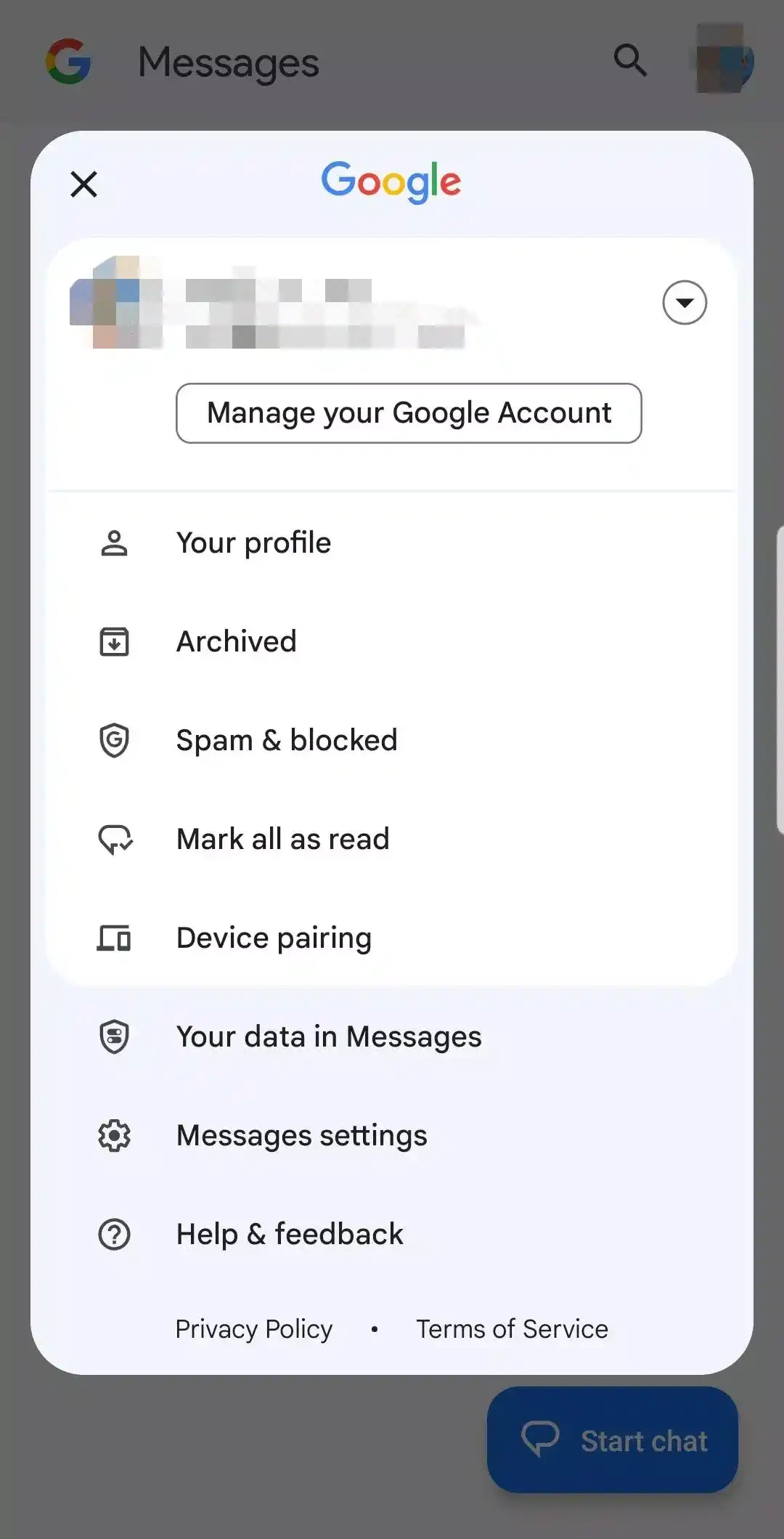
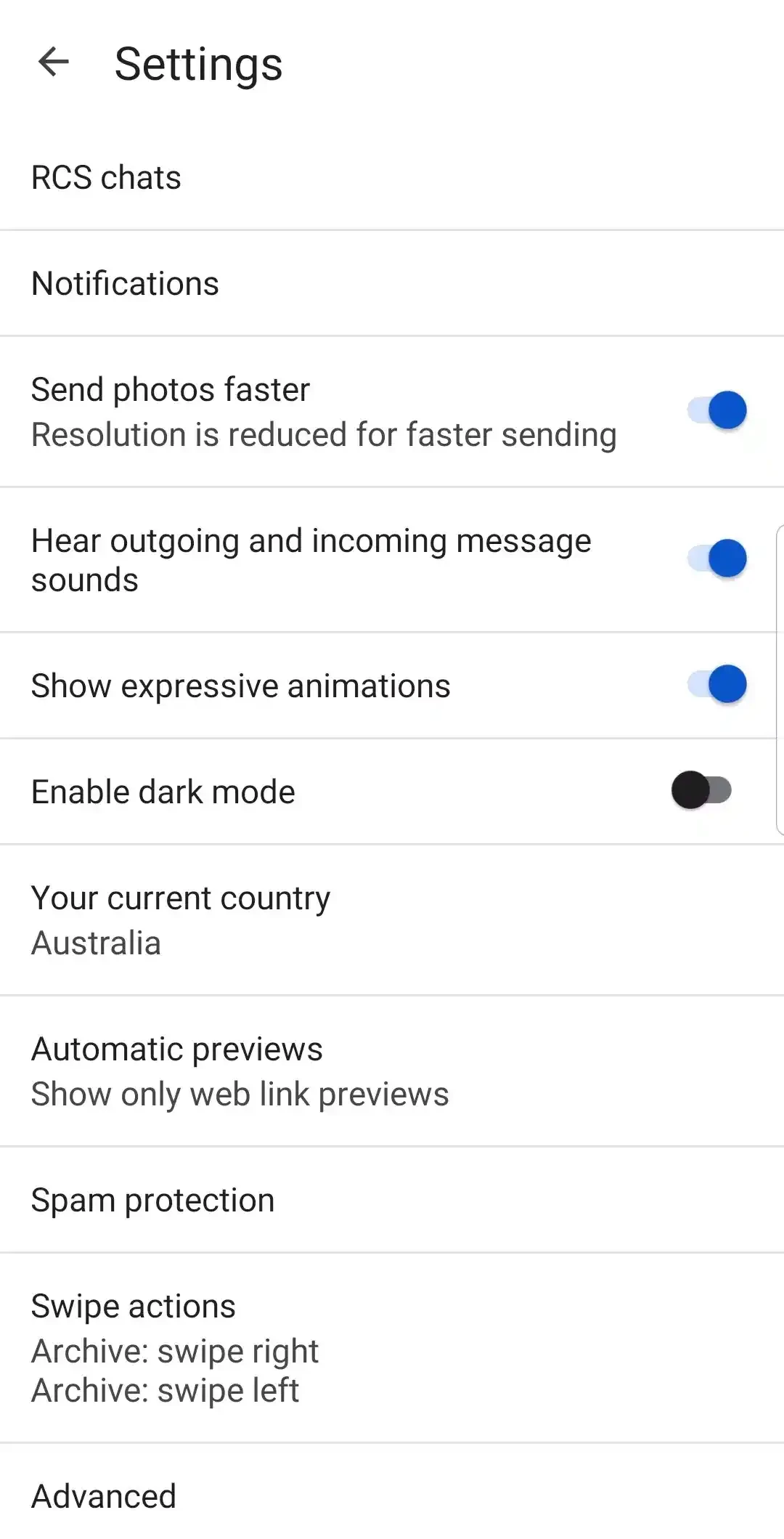
About Google Messages
Google Messages for Android, build 20260903_04_RC00, is Google's messaging app for phones, and you can download it free from Google Play. On many Android phones it is already the default app for texts, and it also works on Wear OS watches and in a browser through messages.google.com.
Who Google Messages is for
Google Messages has been developed since 2014 and is aimed at people who want their regular phone messages to feel like a modern chat app. It suits anyone whose phone came with a clunky manufacturer texting app and who would like something cleaner. It suits people who text from the computer, because the web version shows conversations from the phone in a browser tab. Families that mix different phones benefit from having a single app for all their ordinary messages without everyone installing the same messenger. And it suits users who get a lot of verification codes and delivery notices, since conversations are grouped and easy to search. If all your contacts already use one messenger for everything, you may open Google Messages only for codes and bank texts, and that is fine too.
What you can do
- Send and receive text and multimedia messages from your phone number.
- Pair the phone with messages.google.com to text from a computer.
- Use the app on a Wear OS watch.
- Search, archive and block conversations.
Release details
| Build | 20260903_04_RC00 |
|---|---|
| Developer | Google LLC |
| Platform | Android |
| License | Freeware |
| Updated | September 2026 |
| Size | about 60.90 MB according to catalogue data |
How to install and set as default
- Open Google Play and search for Google Messages.
- Check that the developer is Google LLC and tap Install or Update.
- Open the app and accept the prompt to make it your default messaging app.
- To text from a PC, open messages.google.com and scan the code with the app.
Google Play checks compatibility, so you do not need to look up requirements yourself.
Safety
Text messages are a favourite channel for fraud: fake parcel notices, bank alerts and "wrong number" chats. Do not tap links in unexpected messages, report spam from the conversation menu, and never share one-time codes with anyone. When you pair a computer, remember to unpair it on shared or public machines.
Tidy inbox tips
Archive old threads instead of deleting them, so codes and receipts stay searchable. Mute group conversations that buzz too often, and give important contacts their own notification sound so you notice them among delivery updates.
Price
The app is free. Your mobile plan decides whether ordinary text messages cost anything.
Pros and cons
- Pro: clean interface and good search.
- Pro: texting from a browser on your computer.
- Con: some features depend on your carrier.
- Con: replaces the manufacturer's app, which some users prefer.
Alternatives
Telegram, WhatsApp Messenger and Viber are internet messengers in the same category, and Messenger connects you with Facebook contacts.